8618566785362 8618566785362 8618566785362 phoenix08@bbamachine.com
- All
- Product Name
- Product Keyword
- Product Model
- Product Summary
- Product Description
- Multi Field Search

Views: 0 Author: BBA AUTOMATION Publish Time: 2025-10-04 Origin: BBA AUTOMATION


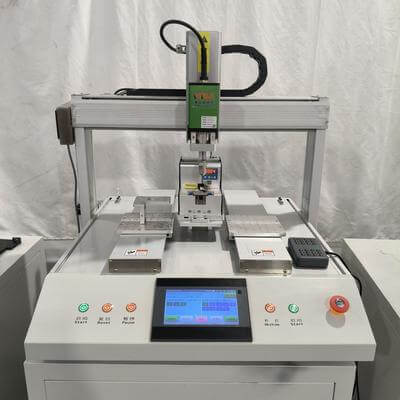
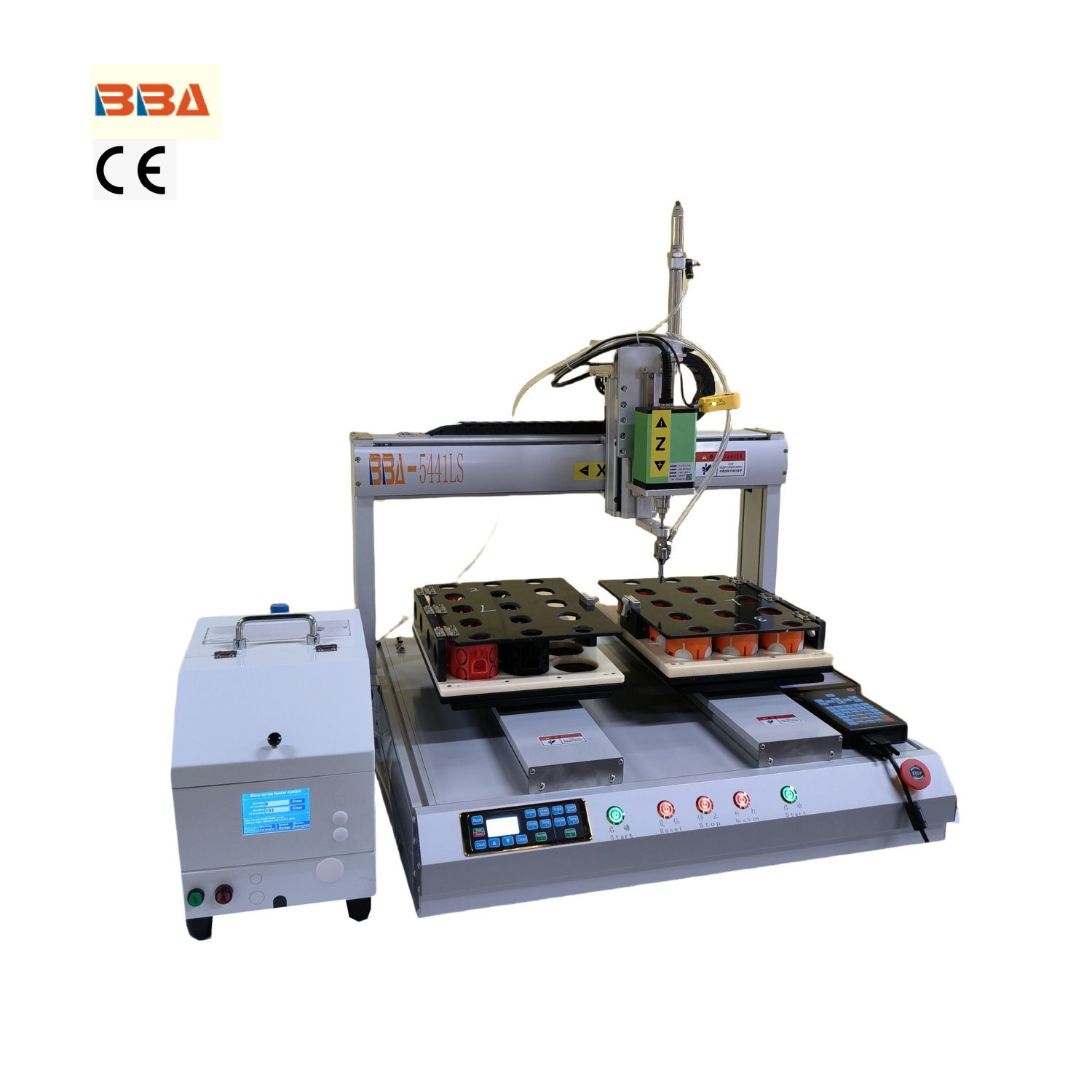
Desktop screwdriver robots are precision instruments designed to enhance efficiency and accuracy in assembly and manufacturing processes. Like any sophisticated machinery, these robots require consistent and thorough maintenance to perform at their best. Neglecting routine care can lead to reduced accuracy, mechanical failures, and ultimately, costly downtime. This article outlines essential maintenance practices to keep your desktop screwdriver robots operating smoothly and extend their service life.
Start each day with a quick visual inspection of the robot. Check for any obvious signs of wear, loose components, or debris around the machine. Ensure the work area is clean and free from obstructions. Verify that all safety features, such as emergency stop buttons and protective covers, are functioning correctly. A simple power-on test to confirm the robot initializes without errors is also recommended.
Dust, dirt, and small particles can accumulate in the robot's moving parts, potentially causing jams or wear. Use a soft, dry cloth or compressed air to clean the exterior and components such as the screw feeder, guide rails, and spindle. Avoid using harsh chemicals that could damage sensitive parts. For robots with mechanical joints or sliding elements, apply a small amount of recommended lubricant according to the manufacturer's guidelines. Over-lubrication can attract dirt, so use sparingly.
Calibration is critical for maintaining precision. Monthly, check the torque accuracy and tightening settings using a calibrated torque tester. If deviations are found, recalibrate the tool according to the user manual. Inspect the screwdriver bit for wear and replace it if necessary to ensure consistent performance. Examine electrical connections, cables, and connectors for signs of damage or looseness. Tighten any loose fasteners on the robot's structure.
Depending on usage, certain components will require periodic replacement. Common wear parts include the screwdriver bits, feeder mechanisms, belts, and motors. Keep a log of maintenance activities and part replacements to predict future needs. Always use genuine replacement parts to guarantee compatibility and reliability. For advanced diagnostics or software updates, refer to the product documentation or seek support from authorized service providers.
Pro Tip: Maintain a detailed maintenance log. Record dates of inspections, cleanings, calibrations, and part replacements. This history helps in identifying recurring issues and planning preventive measures, ultimately reducing unexpected failures.
Modern desktop screwdriver robots often rely on software for operation and programming. Regularly check for available firmware or software updates from the manufacturer. These updates can include performance improvements, bug fixes, and new features that enhance functionality and security. Before updating, ensure all current settings and programs are backed up to avoid data loss.
Consistent maintenance is not just a recommendation—it is a necessity for maximizing the return on investment in automation technology. By integrating these routine practices into your operational schedule, you ensure that your desktop screwdriver robots remain reliable, accurate, and productive for years to come.
| Product Name | Applicable industries |
| Desktop Screwdriver Robot | Electric Bicycle Assembly |